Description du projet :
Matériel utilisé : Sonomètre, Carte Micro:bit, Interface Pygame
Le but de notre projet est d’utiliser le sonomètre principalement. On va l’utiliser avec une carte micro:bit pour rendre graphiquement un jeu grâce à l’interface Pygame. Le principe du jeu est de marquer un but avec une balle contre un personnage (le gardien de but) qui sera en mouvement, et pour tirer dans la balle, il faudra faire du bruit dans le sonomètre. Plus le son est fort, plus la balle ira vite. Et il faut marquer le plus de buts possible. Le gardien de but bougera de plus en plus vite au fil des buts.
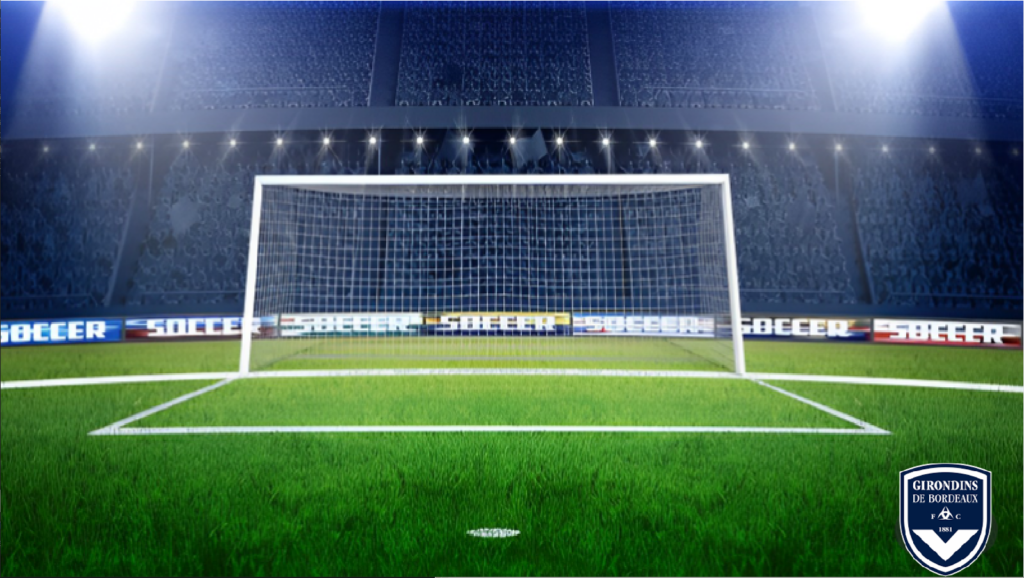

Interface pygame :
Voici l’interface pygame :
import pygame
import serial
import random
serial_port = serial.Serial( port="COM4",baudrate =115200)
ecran = pygame.display.set_mode((1600, 900))
pygame.init()
blanc=(0,0,0)
font = pygame.font.Font(None, 35)
mess=font.render(("Bouton A puis parler et Souris pour tirer"),1,(blanc))
image = pygame.image.load("terrain.jpg")
image=pygame.transform.scale(image,(1600,900))
image2 = pygame.image.load("ballon.png")
gardien=pygame.image.load("gardien.png")
gardien=pygame.transform.scale(gardien,(500,350))
ecran.blit(mess, (80*0.96 + 40, 80*7.96 + 40))
x=720
y=730
z=1
dx=0
dy=-5
position=550
s=5
def terrain(x,y,z):
    ecran.blit(image, (0,0))
    image1=pygame.transform.scale(image2,(100//z,100//z))
def ga(position,s):
        for event in pygame.event.get():
            if event.type == pygame.KEYDOWN:
                u = False
        else:
            if position>820 and s>0:
                s=-s
            if position<300 and s<0:
                s=-s
        position=position+s
        clock.tick(60)
        terrain(x,y,z)
        ecran.blit(gardien,(position,270))
        ecran.blit(mess, (80*0.96 + 40, 80*7.96 + 40))
        pygame.display.flip()
clock = pygame.time.Clock()
terrain(x,y,z)
image1=pygame.transform.scale(image2,(100//z,100//z))
ecran.blit(image1, (x,y))
ecran.blit(gardien,(position,270))
pygame.display.flip()
for event in pygame.event.get():
        if event.type == pygame.KEYDOWN:
            continuer = False
ecran.blit(mess, (80*0.96 + 40, 80*7.96 + 40))
s=5
game=True
while game:
    ecran.blit(mess, (80*0.96 + 40, 80*7.96 + 40))
    x=720
    y=730
    z=1
    dx=0
    dy=-5
    position=550
    image1=pygame.transform.scale(image2,(100//z,100//z))
    val=serial_port.readline(15).decode()
    print(val)
    v=int(val)//(-7)
    print(v)
    position=random.randint(250,820)
    u=True
    continuer=True
    while continuer:
        ga(position,s)
        for event in pygame.event.get():
            if event.type == pygame.KEYDOWN:
                continuer = False
            elif event.type == pygame.MOUSEBUTTONUP:
                while u:
                    ga(position,s)
                    z=z+0.02
                    x=x+dx
                    y=y+v
                    if (y>400 and y<450) and (position>475 and position<625):
                        u=False
                        continuer=False
                        game=False
                    elif (y>400 and y<450):
                        u=False
                        continuer=False

                    else:
                        if position>820 and s>0:
                            s=-s
                        if position<300 and s<0:
                            s=-s
                    position=position+s
                    ecran.blit(image1, (x,y))
                    pygame.display.flip()
                    image1=pygame.transform.scale(image2,(100//z,100//z))
            else:
                ga(position,s)
                position=position+s
                ecran.blit(image1, (x,y))
                pygame.display.flip()
        else:
            if position>820 and s>0:
                    s=-s
            if position<300 and s<0:
                    s=-s
        position=position+s
        ecran.blit(image1, (x,y))
        pygame.display.flip()
    if s<0:
        s=(-s)+2
    elif s>0:
        s=s+2
pygame.quit()

0 commentaire